Cloud-electronics 46-50 Bedienungsanleitung Seite 11
- Seite / 28
- Inhaltsverzeichnis
- LESEZEICHEN

- 46-50 FOUR ZONE 1
- INTEGRATED 1
- MIXER AMPLIFIER 1
- IMPORTANT SAFETY INSTRUCTIONS 3
- Contents 4
- SAFETY INFORMATION 6
- OVERVIEW 7
- Optional system components 8
- PM Series microphones 9
- Block Diagram 10
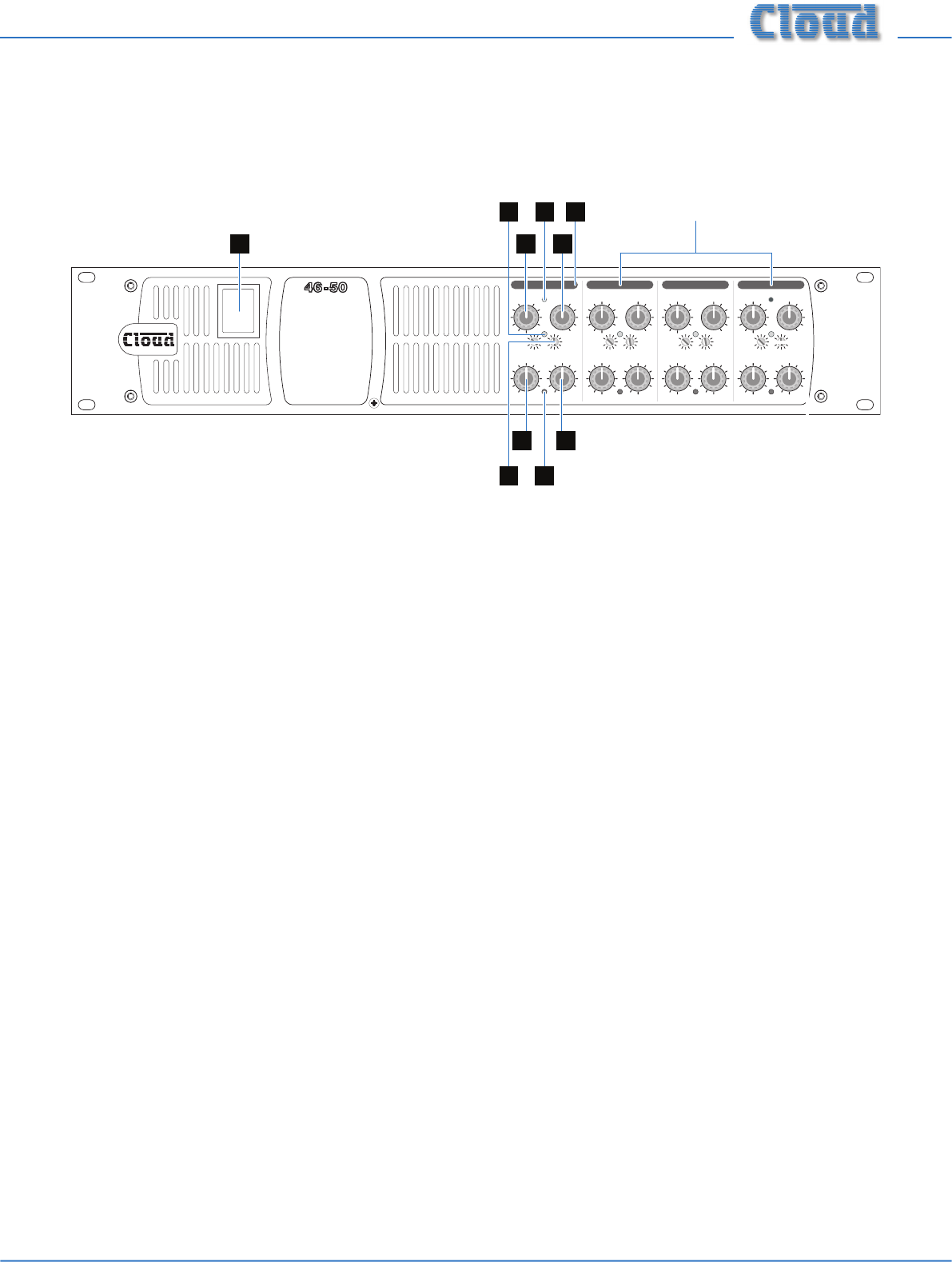
- Front panel description 11
- 2 22 11 15 13162 12
- 3 5 6 6 10 8 14 7 1254 9 9 12
- INSTALLATION 13
- Paging system connections 14
- Microphone input 14
- Music control 15
- Zone 1 Facility Port 16
- Speaker outputs (Lo-Z) 16
- Auxiliary line outputs 17
- Music Mute 17
- SETTING UP & OPERATION 18
- Zone outputs 19
- Priorities 19
- Line 6 priority 20
- Music level 21
- Fitting loudspeaker EQ cards 22
- Fitting the EQ security cover 23
- APPENDIX 24
- TECHNICAL SPECIFICATIONS 26
- GENERAL SPECIFICATIONS 27
Verwandte Produkte und Handbücher für Audio Cloud-electronics 46-50
 (16 Seiten)
 (36 Seiten)
 (56 Seiten) (79 Seiten)
© 2020, manymanuals.de. Alle Rechte vorbehalten. | 0.042 s |
 Manymanuals.com
 Manymanuals.de
 Manymanuals.fr
 Manymanuals.it
 Manymanuals.pl
 Manymanuals.cz
 Manymanuals.es
 Manymanuals-pt.com
Kommentare zu diesen Handbüchern